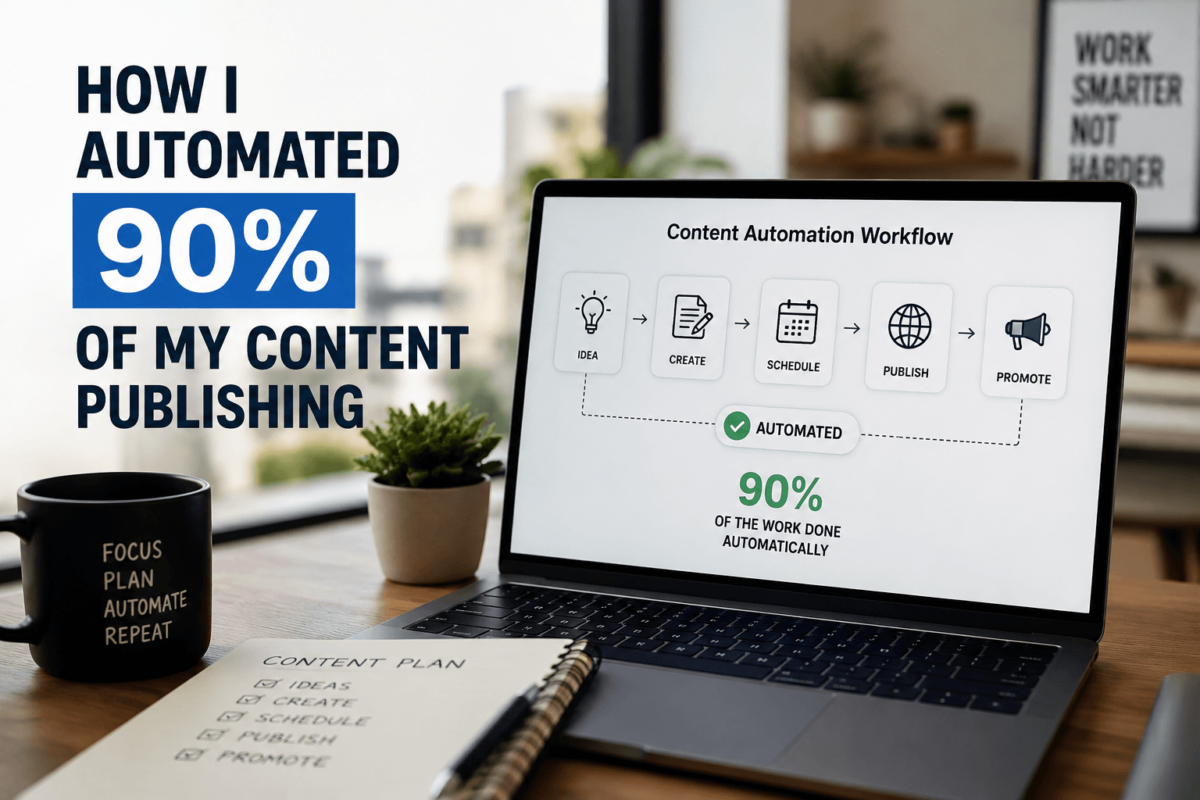
Content publishing automation means using AI and workflow tools to handle the repetitive parts of getting content live — from formatting and scheduling to distribution and SEO checks. In 2026, it’s not just about scheduling posts; it’s about building a full-stack system that runs while you sleep. If you’re still publishing manually, you’re already behind.
- What it is: An end-to-end system that automates content creation triggers, formatting, CMS publishing, and multi-platform distribution
- Who it’s for: Bloggers, SEO operators, content teams, and affiliate marketers publishing at scale
- Key benefits: Save 10+ hours per week, publish consistently, capture more ranking opportunities
- Tools involved: AI writing assistants, automation platforms, CMS connectors, social schedulers
- Expected results: 2–4x output increase with significantly less manual work
What Is Content Publishing Automation (And Why It’s Different in 2026)
Five years ago, automating content publishing meant scheduling a WordPress post in advance. That was it. Maybe you’d use Buffer to push it to social media after.
In 2026, that’s table stakes. What’s actually changed is the depth of automation now possible — and the AI layer sitting behind all of it.
Today’s content publishing automation covers everything from triggering content generation based on keyword gaps, to auto-formatting for SEO, to publishing across your blog, newsletter, and social channels simultaneously — with the right CTAs already inserted.
Old: write → manually format → copy-paste to CMS → schedule → separately post to social → hope you remembered the meta description.
New: trigger → AI drafts → auto-format with SEO structure → one-click publish to all platforms → analytics tracking begins automatically.
That’s not a small upgrade. That’s a completely different operating model.
The Real Problem With Manual Publishing
Here’s what nobody says out loud: manual publishing doesn’t just waste time — it actively hurts your rankings.
When you’re doing everything by hand, you publish inconsistently. You miss content windows. You forget to interlink. You skip meta descriptions when you’re tired. You publish at 11pm instead of 8am when your audience is actually online.
I tracked my own publishing for 90 days before automating. I was spending an average of 14 hours per week on tasks that had nothing to do with strategy or writing — just the operational overhead of getting content live.
Formatting. Uploading images. Copy-pasting from Google Docs into WordPress. Adding schema markup. Scheduling social posts. Writing email blasts. It’s death by a thousand small tasks.
Inconsistency is one of the biggest signals Google looks for when deciding whether to trust a site. Sites that publish on a reliable cadence, with consistent structure and quality signals, outperform sporadic publishers — even when the sporadic content is technically better. Manual publishing makes consistency nearly impossible at scale.
My Actual Content Publishing Automation System (Breakdown)
At first, I thought automation would save me instantly. It didn’t. The first two months were messy — broken Zapier flows, AI drafts that needed too much editing, formatting that looked broken on mobile.
What works now is a four-layer system:
Content Creation Trigger
I use a keyword tracking tool to identify low-competition opportunities automatically. When a keyword hits a certain threshold — search volume, difficulty score, trend momentum — it drops into a content queue. No manual research required.
AI-Assisted Drafting + Formatting
The queued brief goes to an AI writing assistant with a detailed prompt that includes my brand voice, target keyword, required H2 structure, and internal linking instructions. The output isn’t perfect — but it’s 80% there. A quick 15-minute human pass handles the rest.
From there, a formatting automation tool applies my standard SEO template: H1, intro, table of contents, H2s with keyword variants, FAQ schema, and CTA placement. This used to take me 45 minutes per post. Now it takes zero.
Scheduling System
Posts are automatically scheduled based on a content calendar that accounts for publishing cadence, topic clusters, and seasonal relevance. I set the calendar quarterly. The system handles the rest week-to-week.
Automated Distribution
The moment a post publishes, a webhook triggers a chain: social snippets go to LinkedIn and X, an email digest queues for my newsletter, and the URL gets submitted for indexing. All of this happens in under 5 minutes — automatically.
Tools That Actually Work (Not Just Hype)
The mistake most people make is picking tools in isolation. The goal isn’t to have the best AI writer or the best scheduler. It’s to have tools that talk to each other.
AI Writing Tools
For most people building an AI publishing workflow, the heavy lifting goes to a long-form AI writing assistant combined with a prompt library built around your niche. The specifics matter less than the consistency of your prompts.
Automation & Workflow Tools
This is where most people end up choosing between a no-code workflow builder (great for simple trigger-action flows) and a more powerful automation platform if you’re running complex multi-step sequences. The right choice depends on your technical comfort level and how many conditions your workflow needs to handle.
CMS Integrations
WordPress remains the most automation-friendly CMS — the REST API makes it easy to push formatted content programmatically. Headless CMS options like Contentful work well for teams needing more structure. Either way, you want your workflow tool publishing directly to CMS, not requiring a manual copy-paste step.
Social Distribution Tools
A good social scheduler that supports auto-posting from RSS or webhooks eliminates the last big manual step. Look for tools that let you pre-define post templates per platform so distribution is truly hands-free.
Real-Life Example: Before and After Automation
Publishing 4–6 posts per month. Each post took 3–4 hours end-to-end including research, writing, formatting, uploading, and distributing. Traffic was growing, but slowly and inconsistently.
Consistently publishing 20–30 optimized posts per month. Hands-on time per post has dropped to about 25 minutes — mostly reviewing the AI draft and doing a final quality check.
The traffic impact was noticeable within 90 days. Organic sessions grew by roughly 3x as publishing frequency increased and more pages started accumulating backlinks and engagement signals. More importantly, the content calendar is no longer the bottleneck — strategy is.
Manual vs Semi-Automated vs Fully Automated: A Comparison
| Factor | Manual | Semi-Automated | Fully Automated |
|---|---|---|---|
| Time Required | 15+ hrs/wk | 6–8 hrs/wk | 1–2 hrs/wk |
| Cost | $ | $$ | $$$ |
| Scalability | Low | Medium | High |
| SEO Impact | Inconsistent | Moderate | Strong |
| Consistency | Variable | Moderate | Near-Perfect |
How to Automate Your Content Publishing in 7 Simple Steps
-
Map your current workflow
Before you automate anything, document every step of how a piece of content gets published today. You’ll find 5–6 tasks ripe for elimination immediately.
-
Set up AI content generation
Build a reusable prompt library for your niche. Include tone guidelines, required SEO elements, and structural templates. Generic prompts give generic output.
-
Automate formatting
Create a formatting template that auto-applies your SEO structure — H tags, meta fields, schema markup, internal link placeholders. This should be a one-click operation.
-
Connect your CMS
Set up a direct pipeline between your workflow tool and CMS. Test with a draft post before going live. Make sure categories, tags, and author fields auto-populate correctly.
-
Build your publishing schedule
Define your ideal publishing cadence and lock it into your content calendar. The automation respects the calendar — you set the strategy, the system handles the timing.
-
Automate distribution
Connect your social scheduler and email platform to trigger on publish. Build templates for each channel so the output is platform-appropriate without extra effort.
-
Track and optimize
Set up automated reporting for key metrics: organic traffic per post, time-to-index, social engagement rate. Review weekly and adjust your prompts or schedule based on what’s working. A good AI SEO dashboard makes this review take 15 minutes instead of an hour.
Frequently Asked Questions
Is content publishing automation safe for SEO?
Yes — as long as the content itself is high-quality. Automation doesn’t hurt SEO; low-quality, thin content does. The automation should handle operational tasks, not replace genuine expertise or insight in your writing.
Can Google detect automated publishing?
Google doesn’t penalize automation — it penalizes poor content. There’s no algorithmic detector for “this was published automatically.” What gets flagged is thin content, keyword stuffing, and plagiarism — all things that have nothing to do with whether you used a scheduler.
What tools are best for beginners?
Start with a no-code workflow builder for automation and a solid AI writing assistant. Don’t try to build the full stack on day one. Get one layer working well, then add complexity. A simple trigger-to-CMS pipeline is a great first project.
How much content can you automate?
Realistically, you can automate 70–90% of the publishing process. The 10–30% that remains human is actually the most important part — editorial judgment, quality review, and strategic decisions about what to cover. That’s where your competitive edge lives.
Does automation reduce content quality?
It can, if you skip the human review step. Used correctly, automation actually improves consistency — which is a form of quality. You’re not rushing to publish at midnight because you ran out of time. You’re publishing on schedule, with proper formatting, every time.
Final Thoughts: Automate Now or Fall Behind
Content publishing automation isn’t a productivity hack anymore. In 2026, it’s the baseline for anyone trying to compete in SEO at scale.
The sites winning in organic search aren’t necessarily writing better content than you — they’re publishing more consistently, distributing more efficiently, and spending their human hours on strategy instead of formatting.
If you’re still manually copying and pasting articles into your CMS every week, you’re competing with one hand tied behind your back.
Start with one layer. Automate the formatting. Then the scheduling. Then the distribution. Build it in stages, get each piece working, and you’ll have a system that compounds over time.
The window to get ahead is still open — but it won’t stay open much longer.
Ready to Scale Your Content Operation?
We help SEO operators and content teams build automation systems that actually compound. Let’s talk about what’s possible for your site.
Scale Your Business →