Tools Reviews · AI Tools
Best AI Image Upscalers in 2026: 5 Tools Compared
Topaz Gigapixel • Let’s Enhance • Magnific • Upscayl • Adobe Super Resolution
Low-resolution images look blurry on modern screens, in print and in ads. AI image upscalers enlarge photos and graphics while rebuilding detail, which rescues old product photos, client logos and AI-generated images.
We compared five upscalers across desktop, cloud and free options.
Disclosure: No vendor paid for inclusion. Prices come from PetaPixel (updated August 2026) and vendor pages, and are approximate starting prices. Plans and limits change often, so confirm on the vendor site before you buy.
Quick answer: Topaz Gigapixel is the best AI image upscaler for detail. Let’s Enhance is best for quick cloud upscaling, Magnific is best for creative AI-generated detail, Upscayl is the best free option, and Adobe Super Resolution is best for Lightroom and Photoshop users.
- Topaz Gigapixel: about $29/month subscription.
- Let’s Enhance: from about $9 to $12/month for 100 credits.
- Upscayl: free and open source.
- Adobe Super Resolution: included with Creative Cloud.
Get AI Ad Creative Made for You
Each block is one section, sized by how long it is. The orange block is the longest: Frequently Asked Questions (about 1 min). Tap a block to jump.
AI Image Upscalers Compared
| Tool | Approx. starting price | Free option | Strongest at | Best for |
|---|---|---|---|---|
| Topaz Gigapixel | ~$29/mo | Trial | Detail reconstruction | Photographers and print |
| Let’s Enhance | ~$9-12/mo | Free credits | Cloud upscaling up to 16x | Quick web-based jobs |
| Magnific | ~$39/mo | No | Creative AI detail | AI art and concepts |
| Upscayl | Free | Yes | Open source, runs locally | Free offline use |
| Adobe Super Resolution | In Creative Cloud | Trial | Raw upscaling in Lightroom | Adobe users |
1. Topaz Gigapixel: Best for Detail
Topaz Gigapixel rebuilds fine detail in faces, textures and text when enlarging photos, and runs on your computer for privacy and batch work.
- Pricing: about $29 per month, as perpetual licences have been discontinued.
- Best for: photographers and print work where quality matters most.
2. Let’s Enhance: Best Cloud Upscaler
Let’s Enhance upscales images in the browser up to 16x, with automatic color and light fixes, so there is nothing to install.
- Pricing: free trial credits, paid from about $9 to $12 per month for 100 credits.
- Best for: marketers and ecommerce teams who need fast results.
3. Magnific: Best for Creative Detail
Magnific adds new, imagined detail while upscaling, which is ideal for AI art, concept images and illustrations rather than faithful photo restoration.
- Pricing: from about $39 per month.
- Best for: designers enhancing AI-generated images.
4. Upscayl: Best Free Upscaler
Upscayl is a free, open-source desktop app that runs AI upscaling models locally on your GPU.
- Pricing: free.
- Best for: anyone who wants solid upscaling at no cost.
5. Adobe Super Resolution: Best for Adobe Users
Super Resolution in Lightroom and Camera Raw doubles the resolution of raw and JPEG files with one click.
- Pricing: included with Creative Cloud photography plans.
- Best for: photographers already working in Lightroom.
What to Look for in AI Image Upscalers
Check these before you choose:
- Faithful or creative: restoring photos and enhancing AI art need different tools.
- Upscale factor: 2x, 4x or up to 16x.
- Local or cloud: local apps keep files private and avoid credits.
- Batch processing: important for product catalogs.
- Pricing: credits, subscriptions or free.
See the best photo editing software, the best product image editors and the best Midjourney alternatives.
Frequently Asked Questions
What is the best free AI image upscaler?
Upscayl is the best free option and runs on your own computer.
Can AI upscaling make a blurry photo sharp?
It can improve mild blur and low resolution a lot, but heavily blurred or tiny images may still look artificial.
How much can I enlarge an image?
2x to 4x usually looks natural. Some tools go up to 16x, but results vary.
Is AI upscaling good for print?
Yes. Upscaling helps meet print resolution, especially with Topaz Gigapixel.
Will upscaling help product photos?
Yes. Sharper, larger product images look better on zoom and in ads.
Final Verdict
Choose Topaz Gigapixel for maximum detail, Let’s Enhance for quick cloud jobs, Magnific for creative AI enhancement, Upscayl for free local upscaling, and Adobe Super Resolution if you work in Lightroom.
TechCognate creates AI ad creative and visuals that look sharp on every screen and placement.
Sources
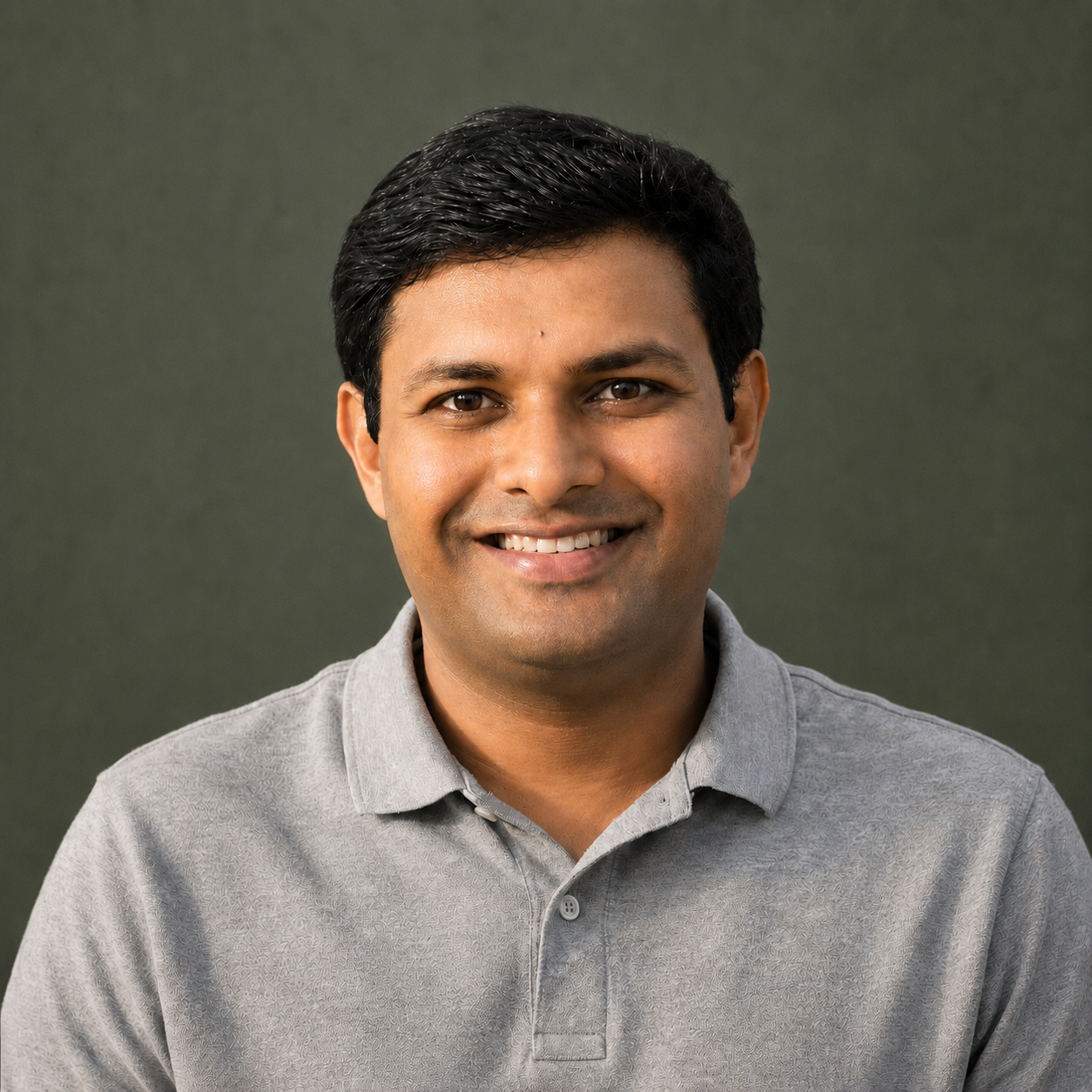
Jaykishan Panchal
Founder & CEO, TechCognate · SEO Strategist & WordPress Expert
Jaykishan Panchal is the founder of TechCognate and an SEO strategist with 15+ years of hands-on experience driving organic growth for businesses worldwide. He specialises in technical SEO, content strategy and GEO (Generative Engine Optimisation), helping brands stay visible in both traditional search and AI-driven discovery.
- Technical SEO
- Content Strategy
- AI & GEO
- Google Ads
- E-Commerce SEO