The Complete Guide for Scaling SEO Authority
Every layer of technical SEO — from fixing basic indexing issues to scaling crawl budget for enterprise sites. One guide, zero fluff.
- What Is Technical SEO & Why It Matters
- How Search Engines Actually Work
- Master Checklist 2026
- Core Web Vitals Optimisation
- Schema Markup SEO
- Fixing Indexing Issues
- Crawl Budget Optimisation
- Technical SEO for Large Websites
- Technical SEO Tools 2026
- Internal Linking Strategy
- Mistakes to Avoid in 2026
- Advanced Techniques
- Conclusion — Technical SEO Is the Foundation
What Is Technical SEO — and Why It Matters in 2026
Technical SEO is the practice of optimising the infrastructure of a website so that search engine crawlers can access, render, understand, and index every page efficiently. Unlike on-page SEO — which focuses on content relevance — or off-page SEO — which builds authority through backlinks — technical SEO operates at the server, code, and architecture level. Get it wrong, and even the most brilliant content will never rank.
In 2026, technical SEO has never been more consequential. Google’s algorithms reward sites that deliver fast, stable, and accessible experiences. Core Web Vitals are a confirmed ranking signal. JavaScript-heavy sites that stall Googlebot’s renderer are penalised by reduced crawl frequency. AI-driven search features (SGE/AIO) pull structured data directly from schema markup — meaning pages without schema lose featured-snippet real estate by default.
This guide covers every layer of technical SEO — from fixing basic indexing issues to scaling crawl budget optimisation for enterprise sites. Whether you manage a five-page brochure or a five-million-page ecommerce platform, the principles below apply.
How Search Engines Actually Work
Before diving into the checklist, you must understand what search engines do with your site. The journey from URL to ranking position involves four distinct stages — a failure at any stage prevents ranking.
| Stage | What Happens | Key Technical Factor |
|---|---|---|
| 1. Crawling | Bots discover and download pages by following links | robots.txt, crawl budget, server speed |
| 2. Rendering | JavaScript is executed; visual layout processed | SSR vs CSR, render budget |
| 3. Indexing | Content stored in Google’s database | noindex, canonical, duplicate content |
| 4. Ranking | Algorithms order results for queries | Core Web Vitals, schema, E-E-A-T |
Evergreen Googlebot runs on modern Chrome and can execute JavaScript — but rendering is deferred and resource-constrained. Pages relying entirely on client-side JavaScript face a delay before content is indexed. Best practice: use SSR or SSG for all SEO-critical content.
Technical SEO Checklist 2026 — Master Reference
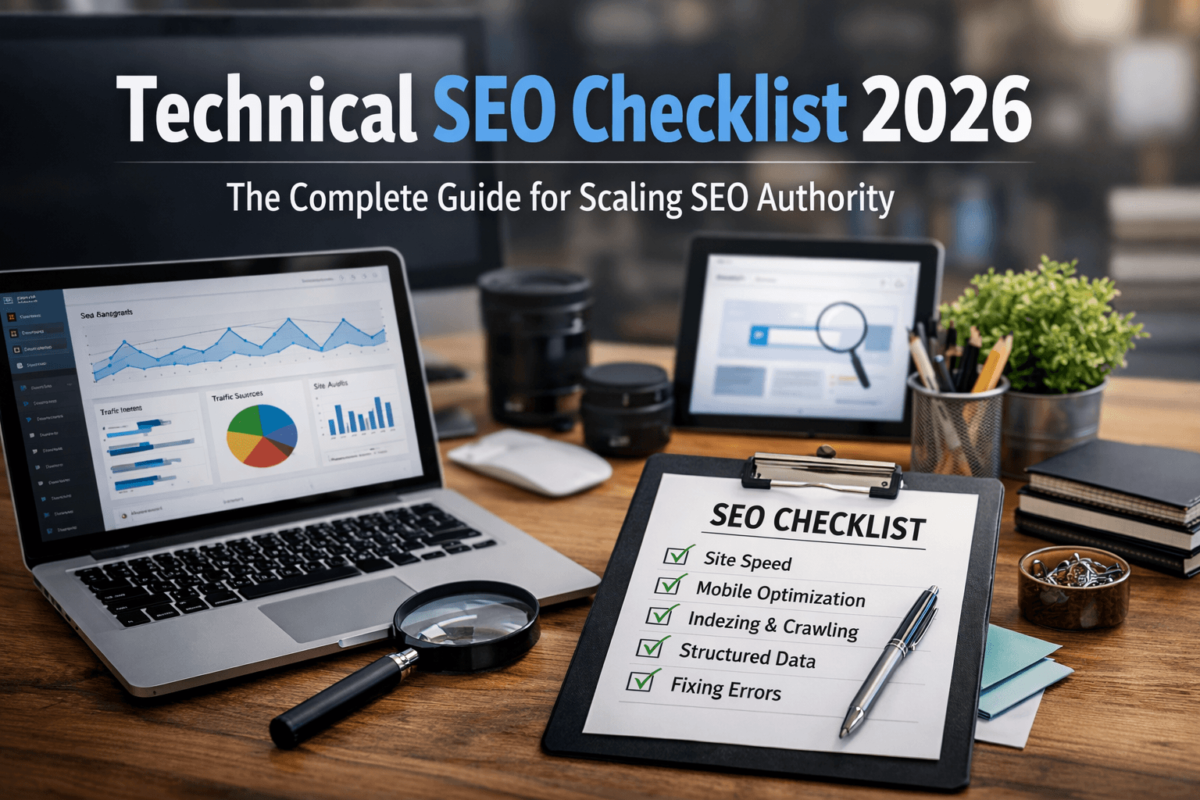
Use this checklist as your audit starting point. Work through each category and prioritise fixes by severity. Each item links to a deeper section below for full implementation detail.
Core Web Vitals Optimisation
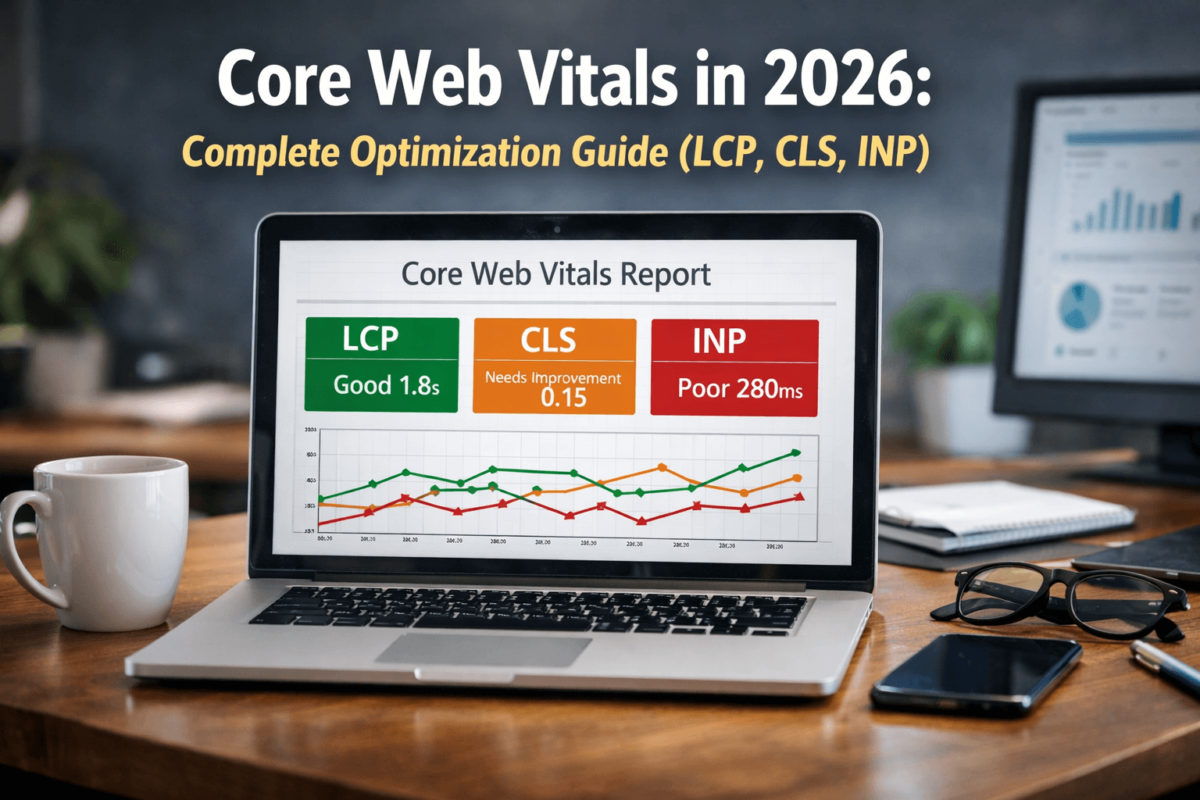
Core Web Vitals are Google’s set of user-experience metrics that directly influence rankings. In 2026, the three signals are LCP, INP, and CLS. Failing any threshold hurts your ability to rank competitively for commercial keywords. Use PageSpeed Insights and Chrome UX Report to measure your field data.
LCP measures how quickly the largest visible element loads. Target: under 2.5 seconds.
| Common LCP Cause | Fix |
|---|---|
| Slow server response (TTFB) | Use a CDN (Cloudflare, Fastly) and enable server-side caching |
| Unoptimised hero images | Convert to WebP/AVIF, compress, add fetchpriority="high" |
| Render-blocking CSS / JS | Inline critical CSS, defer non-critical scripts |
| No resource hints | Add <link rel="preload"> for the LCP image |
| Third-party scripts | Load analytics / chat scripts async after DOMContentLoaded |
Add fetchpriority="high" to your hero image tag. This single attribute tells the browser to prioritise loading the LCP element before other images — often reducing LCP by 300–600 ms with zero other changes.
INP replaced FID in March 2024. It measures the latency of all user interactions throughout a page session. Target: under 200 ms.
- Reduce long tasks: break up JS execution using
scheduler.postTask()orsetTimeout() - Avoid excessive DOM size (Google recommends fewer than 1,400 nodes)
- Debounce or throttle scroll and resize event listeners
- Remove or defer unused JavaScript — use Chrome’s Coverage panel to identify dead code
CLS measures unexpected movement of visual content. A score above 0.1 signals a poor experience. Target: under 0.1. Neglecting CLS is one of the most common technical SEO mistakes on media-heavy sites.
- Always set explicit
widthandheighton every<img>element - Reserve space for ads, embeds, and iframes using CSS
aspect-ratioormin-height - Avoid injecting content above existing page content after load
- Use
font-display: optionalorswapto prevent layout-shifting web fonts
Schema Markup SEO — Structured Data Implementation
Schema markup is machine-readable code that tells search engines precisely what your content means — not just what it says. Implementing schema correctly unlocks rich results such as star ratings, FAQ dropdowns, and product prices — improving click-through rates by 20–30% on average. Use the structured data checklist in Section 3 to audit your current coverage, and validate with the Rich Results Test.
Google’s AI Overviews pull answers directly from structured data when available. Rich results occupy more SERP real estate, reducing competition for clicks. Schema also helps AI-powered search understand context, improving topical authority signals.
| Schema Type | Best Used For |
|---|---|
| Article | Blog posts, news articles, how-to guides |
| Product | Ecommerce pages — shows price, availability, and ratings |
| FAQ | Pages with Q&A blocks — generates FAQ rich results |
| Organization | Homepage — verifies brand identity, social profiles, contact info |
| BreadcrumbList | All interior pages — shows navigation path in SERPs |
| LocalBusiness | Brick-and-mortar locations — populates Maps and local packs |
| HowTo | Step-by-step tutorial pages |
| VideoObject | Pages featuring embedded video content |
Google recommends JSON-LD as the preferred format. Place the script block in the <head> or bottom of <body>.
<script type="application/ld+json">
{
  "@context": "https://schema.org",
  "@type": "Article",
  "headline": "Technical SEO Checklist 2026",
  "author": { "@type": "Person", "name": "Jaykishan Panchal" },
  "publisher": { "@type": "Organization", "name": "TechCognate" },
  "datePublished": "2026-01-01",
  "dateModified": "2026-03-13"
}
</script>
Fixing Indexing Issues
Indexing issues are the most direct cause of pages failing to appear in search results. The four most common issues in 2026 are: pages not indexed, duplicate content, soft 404s, and orphan pages.
Use the URL Inspection tool in Google Search Console to diagnose. Common causes:
- noindex directive: Accidentally applied via CMS themes, page builders, or SEO plugins
- robots.txt blocking: Entire directories blocked without realising they contain live content
- Thin content: Pages with too little unique content excluded via Google’s quality filters
- Crawl budget exhaustion: On large sites, Google may not crawl every URL per cycle — see Crawl Budget Optimisation
- Use canonical tags
<link rel="canonical" href="..."/>to nominate the preferred version - Implement consistent internal linking — always link to the canonical URL
- Handle URL parameters in Search Console’s Legacy Parameter Handling settings
- Unify HTTP/HTTPS and www/non-www via server-level redirects
A soft 404 returns a 200 HTTP status but contains a ‘not found’ or near-empty message. Google treats these as low-quality.
- Ensure genuinely missing pages return a 404 or 410 status code
- Redirect removed-but-relevant pages (e.g. discontinued products with backlinks) with a 301
- Run a site audit to identify pages with zero inbound internal links
- Add contextual links from relevant, high-authority pages — see Internal Linking Strategy
- Include all important URLs in the XML sitemap as a secondary discovery mechanism
Crawl Budget Optimisation
Crawl budget refers to the number of pages Googlebot will crawl within a given time window. For small sites it is rarely a concern. For large ecommerce platforms, news sites, and programmatic SEO architectures, it is critical.
Ecommerce sites with faceted navigation · News sites publishing hundreds of articles daily · Travel / real estate platforms with parameter-based search results · Programmatic SEO sites with large volumes of auto-generated pages · Any site where GSC shows “Crawled — not indexed” for large numbers of URLs.
- Block low-value URL patterns in robots.txt — faceted filters, session IDs, tracking parameters, internal search pages
- Remove or consolidate thin pages — tag pages with fewer than 5 posts, near-identical variant pages
- Fix redirect chains — every hop costs crawl budget and dilutes link equity (see common mistakes)
- Use a dynamic XML sitemap — only include canonicalised, indexable pages; update on every publish
- Improve internal linking — pages with more internal links receive more crawl attention
- Analyse server logs — reveals exactly which URLs Googlebot crawls and at what frequency
Technical SEO for Large Websites — Scaling Authority
Scaling technical SEO requires systems thinking. Individual page fixes matter less than architectural decisions that govern how hundreds of thousands of pages behave consistently. For large sites, crawl budget optimisation and indexing control are the highest-leverage activities.
Faceted navigation can generate exponential URL bloat. A shoe store with 10 size filters, 8 colour filters, and 3 brand filters creates 240 filter combinations per category — most with no search demand.
- Identify filter combinations with genuine search demand via keyword research
- noindex or robots.txt-block all low-demand filter combinations
- Use canonical tags on filtered URLs pointing to the unfiltered category page
- Query your database for all currently published, canonicalised, and indexable URLs in real time
- Split sitemaps into files of no more than 50,000 URLs (Google’s hard limit) with an index sitemap
- Update
lastmodtimestamps accurately — Google uses these to prioritise re-crawls
- Only create pages for entity combinations with verified search demand
- Ensure every programmatic page has unique, substantive content beyond templated elements
- Implement strict canonicalisation from day one
- Set up automated quality checks: flag pages below a content-length threshold before publishing
Technical SEO Tools 2026
Internal Linking Strategy for Technical SEO
Internal links serve three distinct purposes: they transfer PageRank between pages, they guide Googlebot to priority content (improving crawl budget efficiency), and they improve user navigation by surfacing relevant content. They are also the primary cure for orphan pages.
- Descriptive anchor text: Avoid generic anchors like ‘click here’. Use keyword-rich text like ‘technical SEO audit checklist’
- Vary anchor text naturally: Mix keyword-rich anchors with branded and partial-match variants
- Prioritise contextual placement: Links within the first 200 words carry more crawl weight than footer links
- Fix orphan pages proactively: Schedule monthly internal link audits as part of your technical SEO routine
- Implement hub pages: Create comprehensive topic hub pages that link to all related subtopic content
PageRank flows from pages with many external backlinks through internal links to other pages. Route this flow strategically to lift rankings for important but under-linked pages.
- Identify highest-authority pages using Ahrefs or Search Console (most external backlinks)
- Add contextual links FROM those pages TO priority conversion pages
- Avoid burying important pages in deep pagination or deindexed faceted navigation URLs
Technical SEO Mistakes to Avoid in 2026
Advanced Technical SEO Techniques for 2026
Edge SEO leverages CDN workers (Cloudflare Workers, AWS Lambda@Edge) to modify HTML at the network edge before it reaches the browser — without touching origin server code. It is especially powerful for large-scale enterprise SEO architectures.
- Inject or modify canonical tags, hreflang, and meta robots dynamically based on URL rules
- Implement structured data injections without requiring CMS or developer deployments
- Redirect URL patterns at the edge with sub-millisecond latency
As covered in How Search Engines Work, rendering JavaScript is expensive for Googlebot. These four strategies address the problem:
- Server-Side Rendering (SSR): Render full HTML on the server for every request. Best SEO outcome. Frameworks: Next.js, Nuxt.js, SvelteKit.
- Static Site Generation (SSG): Pre-render HTML at build time. Ideal for infrequently-changing content. Fastest TTFB and LCP.
- Incremental Static Regeneration (ISR): Hybrid — pre-render at build, revalidate stale pages on request.
- Dynamic Rendering: Serve pre-rendered HTML to bots only. Pragmatic for legacy SPAs, but use with caution.
- Automated content quality scoring — AI classifiers flag thin pages before they go live
- LLM-generated schema markup — language models draft JSON-LD for new page types
- Automated redirect mapping — AI tools match old URLs to new equivalents during migrations, reducing manual effort by 60–80%
- HSTS: Forces browsers to always use HTTPS, eliminating redirect overhead on return visits
- Content Security Policy (CSP): Prevents XSS attacks that could inject spammy links into your pages
- X-Robots-Tag header: Implement noindex at HTTP header level for non-HTML resources (PDFs, images)
Conclusion — Technical SEO Is the Foundation
Technical SEO is the invisible infrastructure that determines whether every other SEO effort — content creation, link building, and brand building — can actually produce results. A site with brilliant content but broken indexation is like a library with all the books locked in a basement. No one benefits from content that search engines cannot find, render, and rank.
In 2026, the technical SEO bar has been raised significantly. Core Web Vitals are a direct ranking signal. Schema markup is no longer optional if you want rich-result visibility. Crawl budget optimisation is mandatory for any site above 10,000 pages. And with AI-powered search changing how results are displayed, structured data and E-E-A-T signals are more important than ever.
The path forward is continuous monitoring and systematic improvement. Technical SEO is not a one-time audit — it is an ongoing engineering discipline. Implement the checklist in Section 3, fix the most critical issues first (indexation errors, Core Web Vitals failures, and missing schema), and build a scheduled audit cycle to catch regressions before they impact rankings.
- Open Google Search Console → Coverage report → identify and document all indexing issues
- Run PageSpeed Insights on your top 10 landing pages → fix LCP and CLS failures first
- Use the Rich Results Test on your homepage and product pages → add missing schema
- Crawl your site with Screaming Frog → fix redirect chains and broken internal links
- Review robots.txt and canonical tags → ensure no critical pages are blocked or mis-canonicalised