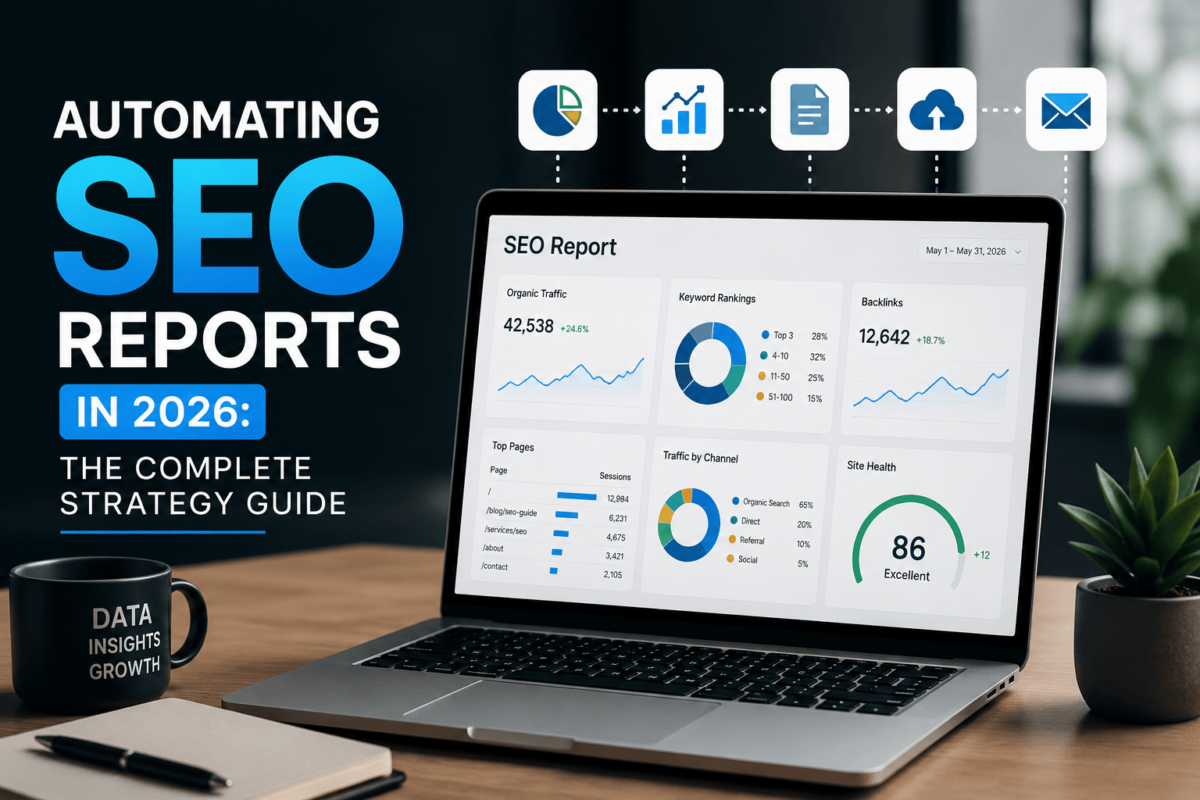
Learn how to automate SEO reports in 2026 — from rank tracking and traffic dashboards to AI search visibility and revenue attribution. Save hours every week.
Automating SEO reports means using tools, integrations, and AI workflows to collect your SEO data automatically and turn it into recurring reports — no more copying numbers into spreadsheets every Friday afternoon. In 2026, top-performing SEO teams automate everything from rankings and organic traffic to AI search visibility and affiliate revenue tracking, using platforms like Google Search Console, GA4, Ahrefs, Looker Studio, and AI-powered summarization tools.
Let’s be real: most SEO professionals don’t burn out because strategy is hard. They burn out because reporting never stops.
Every week brings another round of pulling rank data, cross-referencing traffic numbers, building slides, and sending the same client email with slightly different figures. It’s exhausting. And in 2026, the problem has only gotten worse.
SEO reporting used to mean tracking rankings and sessions. Now clients expect visibility into AI Overviews, ChatGPT citations, revenue attribution, Core Web Vitals, and affiliate conversion trends — all in one place, delivered on time, every time.
Automating SEO reports isn’t just a convenience anymore. For agencies, niche site owners, SaaS brands, and affiliate marketers trying to scale, it’s become essential.
Why Manual SEO Reporting Doesn’t Work Anymore
Manual reporting has a ceiling — and most growing SEO operations hit it faster than expected.
When you’re managing three clients, a weekly spreadsheet feels manageable. At ten clients, it’s consuming two full days a week. At twenty, it’s a full-time job that doesn’t actually move any needle.
The other issue is accuracy. Manual data collection introduces errors. Someone grabs the wrong date range. A formula breaks silently. A ranking screenshot doesn’t match the live data. These mistakes erode client trust fast.
Beyond time and accuracy, there’s the scope problem. Modern SEO reporting now needs to cover:
- Organic traffic trends by landing page and device
- Keyword ranking movements and SERP volatility
- AI Overview and generative search visibility
- Core Web Vitals and technical SEO health
- Backlink growth and lost link alerts
- Revenue, conversions, and affiliate performance
Trying to compile all of that manually, consistently, at scale, is simply not sustainable.
What Most SEO Reporting Guides Miss in 2026
After reviewing dozens of SEO automation articles, the same gaps appear repeatedly. If you’ve read other guides and felt like something was missing, here’s what they’re not covering.
AI Search Visibility Is Now a Core Metric
Most reporting articles are still talking about position tracking on traditional SERPs. That’s incomplete.
A significant portion of search behavior now happens inside AI-generated answers — Google AI Overviews, ChatGPT search, Perplexity, and Bing Copilot. GEO (Generative Engine Optimization) metrics need to sit alongside traditional SEO data in your reports. If your reporting stack doesn’t include AI visibility tracking yet, that’s a gap worth closing now.
Affiliate Marketers Are Largely Ignored
Most automation guides are written for agencies or enterprise in-house teams. Affiliate marketers operate differently — and their reporting needs are different too.
An affiliate site needs to connect keyword rankings directly to revenue. That means tracking EPC (earnings per click), RPM by landing page, buyer-intent keyword growth, and affiliate link click performance. Traffic numbers alone are dangerously misleading. A 30% traffic increase that doesn’t move affiliate commissions is a signal, not a success.
Executive-Friendly Reporting Gets Overlooked
Clients and executives don’t want forty-page SEO audits. They want to know three things: what improved, what needs attention, and what it means for the business.
The best automated reports lead with a short AI-generated summary, surface five key metrics, and end with two or three specific recommendations. That format gets read. Long, data-heavy reports get forwarded to someone else and forgotten.
The Metrics Worth Automating
Not everything deserves to be in a report. Before building your automation stack, get clear on which SEO metrics actually drive decisions for your specific situation.
| Category | Key Metrics | Why It Matters |
|---|---|---|
| Traffic | Organic sessions, new users, landing page traffic | Measures overall growth and content performance |
| Rankings | Keyword positions, SERP volatility, AI Overview presence | Tracks visibility across traditional and AI search |
| Technical SEO | Crawl errors, Core Web Vitals, broken links | Prevents ranking losses from site issues |
| Conversions | Leads, revenue, affiliate commissions | Connects SEO activity to business outcomes |
| Links | New backlinks, lost links, Domain Rating growth | Measures authority building over time |
The Best Tools for SEO Report Automation in 2026
Picking the right SEO automation tools is the difference between a reporting system that saves hours and one that adds more maintenance overhead.
Google Looker Studio
Looker Studio remains the go-to dashboard tool for most SEO teams, and for good reason — it’s free, highly customizable, and connects natively with GA4 and Search Console. For agencies, it’s the cleanest way to give clients a live view of their data without a monthly tool subscription layered on top. The learning curve is real, but once templates are built, replicating them for new clients takes minutes.
Google Search Console + GA4
These two tools are the foundation of any automated SEO reporting workflow. Search Console provides search query data, CTR trends, and indexation insights that no third-party tool can replicate. GA4 layers in conversion tracking, revenue attribution, and user behavior. Connecting both to Looker Studio gives you a live reporting base that updates automatically without touching a spreadsheet.
Ahrefs or Semrush
For rank tracking, backlink monitoring, and competitor visibility, Ahrefs and Semrush are the two most reliable options. Both offer scheduled rank tracking exports and alert systems that can flag significant ranking changes automatically. In 2026, Ahrefs has made notable improvements to its AI visibility tracking features, which is worth exploring if GEO metrics matter to your clients.
Zapier or Make
These automation platforms are what connect everything together. A practical example: when a weekly rank tracking report generates, Zapier can trigger an AI summarization, send a Slack notification to your team, and email a PDF to the client — all without touching the workflow manually. For agencies handling ten or more clients, this kind of end-to-end automation — part of a broader no-code SEO automation stack — can save several hours every single week.
How to Set Up Automated SEO Reporting: Step by Step
This is part of a larger AI SEO workflow — but for reporting specifically, follow these five steps to go from zero to a fully automated system.
Define What Actually Matters
Automation amplifies whatever you’re measuring. If you automate the wrong metrics, you just get wrong data faster. Start by asking: what does success look like for this specific client or site? For an e-commerce brand, it might be organic revenue and new customer acquisition. For an affiliate site, it’s earnings per click and buyer-intent keyword rankings. For a SaaS company, it’s demo requests and trial signups from organic traffic. Build your report around those business outcomes. Add supporting metrics only where they help explain the story.
Centralize Your Data Sources
Disconnected data creates disconnected reports. Before building dashboards, get all your core data sources talking to each other. At minimum, connect GA4, Search Console, and your rank tracker. If you’re doing affiliate reporting, add your network dashboard. If you’re tracking technical SEO, connect Screaming Frog or a similar crawler. The goal is a single source of truth that refreshes automatically. This is where combining APIs for SEO automation becomes especially powerful.
Build the Dashboard
Your dashboard should tell a story, not just display data. Structure it so someone can understand the situation in sixty seconds:
- Traffic overview with trend line (month-over-month and year-over-year)
- Top 10 ranking keywords and their position changes
- Best and worst performing pages
- Conversions or revenue from organic traffic
- Technical SEO alerts or flagged issues — see our Core Web Vitals guide
- Key wins and areas needing attention
Add AI Summaries
This is where 2026 SEO reporting genuinely pulls ahead of older approaches. AI summarization tools can take a week’s worth of ranking and traffic data and generate a plain-English explanation of what changed, why it likely happened, and what should happen next. That said, always review AI summaries before they go to clients. AI is excellent at pattern recognition and explanation but still misses context — a traffic drop during a bank holiday isn’t an algorithm problem, but AI might frame it that way without human intervention.
Schedule Automated Delivery
Match your reporting cadence to your audience. Here’s a practical framework:
| Report Type | Frequency | Primary Audience |
|---|---|---|
| Executive summary | Monthly | Clients, stakeholders |
| Rank tracking update | Weekly | SEO team, account managers |
| Technical SEO alerts | Daily | Developers, SEO team |
| Affiliate revenue report | Weekly | Site owners, partners |
| AI visibility snapshot | Monthly | Clients, strategy team |
Manual vs. Automated SEO Reporting
Still on the fence? Here’s how the two approaches compare across every dimension that matters for SEO KPI tracking at scale:
| Factor | Manual Reporting | Automated Reporting |
|---|---|---|
| Time investment | High — hours per report | Low — minutes to review |
| Consistency | Varies by person | Consistent every cycle |
| Error rate | Higher with manual entry | Reduced with direct data pulls |
| Scalability | Breaks down quickly | Scales with client count |
| AI insights | Not included | Integrated with modern tools |
| Revenue tracking | Often missing or partial | Easier to build in by default |
Common Mistakes to Avoid
⚠ Tracking Too Many Metrics
More data is not more insight. A report with thirty metrics teaches clients nothing. A report with five well-chosen metrics — tied clearly to business outcomes — builds trust and drives action. Before adding a metric to an automated report, ask: will this change a decision? If the answer is no, leave it out.
⚠ Forgetting Automation Can Break
API connections fail. Data sources update their schemas. Scheduled exports stop running silently. A report that hasn’t been spot-checked in three months might be delivering wrong data to clients who don’t know to question it. Build in a monthly manual check of your automated reports. Verify the numbers against source data. It takes thirty minutes and prevents the kind of embarrassing mistake that’s very hard to walk back.
⚠ Ignoring AI Search Metrics
Traditional SEO metrics can look stable while AI search is quietly eroding organic visibility. A site might maintain top-three rankings while losing significant click volume to AI-generated answers above it. Brands that track only traditional rankings in 2026 may miss this shift entirely until it shows up as a revenue problem. Learn how to rank in AI search engines and get AI visibility data into your reporting stack now, even as a secondary metric.
Frequently Asked Questions
Final Thoughts
Automating SEO reports isn’t about removing humans from the process. It’s about removing the parts that don’t require human intelligence — the pulling, formatting, copying, and sending — so that the people doing SEO can focus on the thinking that actually creates value.
In 2026, the teams winning at SEO aren’t necessarily the ones with the most data. They’re the ones who’ve built systems that surface the right data quickly, interpret it accurately, and act on it faster than everyone else.
Start with clean data sources. Build a focused dashboard. Layer in AI summaries. Automate delivery. Then check your own work regularly enough to catch problems before clients do.
That combination — good automation plus good judgment — is what separates the SEO operations that scale from the ones that stall.