SOFTWARE GUIDES
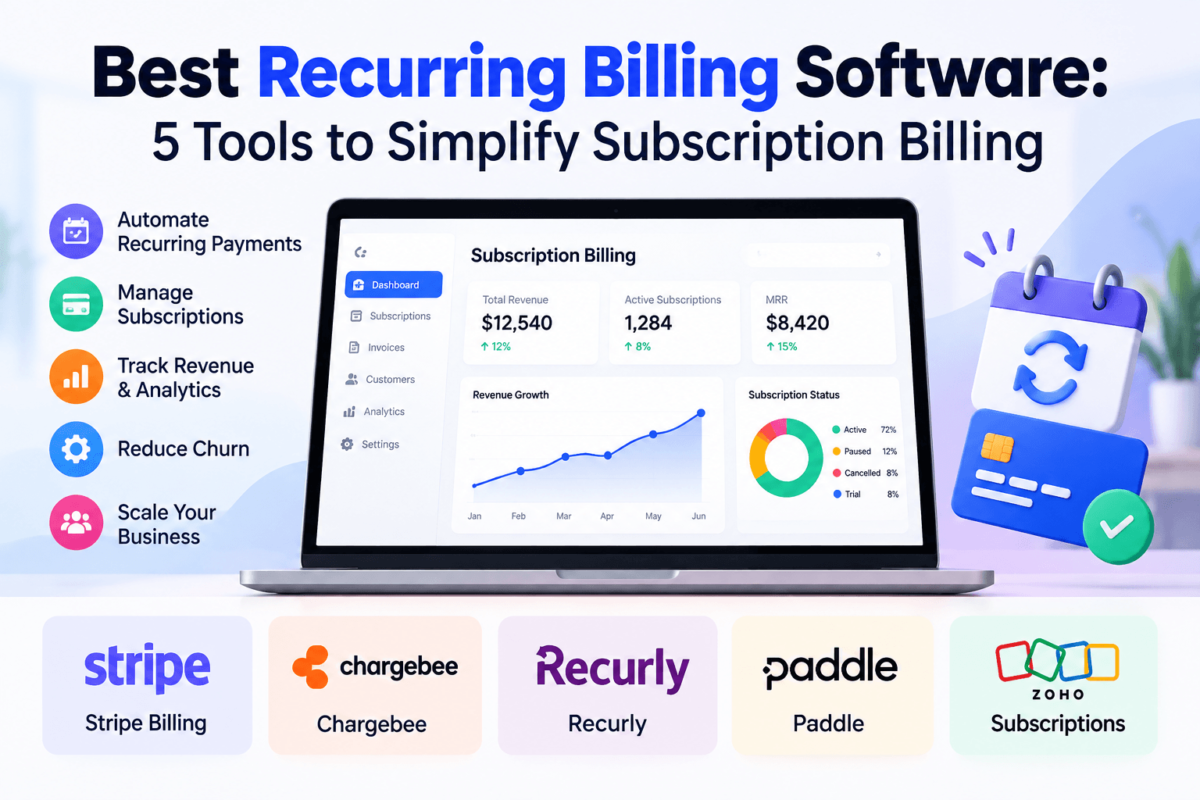
Best Recurring Billing Software: 5 Tools to Simplify Subscription Billing
Software Comparison • Recurring Billing • SaaS
Recurring revenue sounds simple until you’re the person responsible for collecting it every month. A card expires. A customer upgrades halfway through the billing cycle. Someone asks for a refund, another needs an invoice with their VAT number on it, and your spreadsheet quietly stops matching your bank account.
Imagine a customer moves from a $29 plan to a $79 plan on the 14th. Your billing system has to work out what to charge, when to charge it and how to show that change on the invoice. Do that by hand for 20 customers and it’s annoying. Do it for 2,000 and it becomes a full-time job.
That’s the gap recurring billing software fills. It automates charging, invoicing, retries and plan changes so your team isn’t chasing payments. Below, we compare five well-known options and explain who each one actually suits. If you’re still choosing how to collect card payments in the first place, our guide to the best payment gateways is a useful companion read.
Quick Answer There’s no single winner. Stripe Billing suits developer-led teams, Chargebee suits complex subscription logic, Recurly suits subscription-first companies focused on retention, Paddle suits software sellers who want tax and compliance handled for them, and Zoho Subscriptions (now part of Zoho Billing) suits small businesses already inside the Zoho ecosystem. |
| Software | Best For | Key Strength | Pricing Approach |
|---|---|---|---|
| Stripe Billing | Developers and fast-moving startups | Flexible billing built on Stripe’s payments platform | Usage-based fees; check current pricing |
| Chargebee | SaaS with complex plans | Subscription logic that works with multiple payment gateways | Tiered plans; check current pricing |
| Recurly | Subscription-first businesses | Subscription management and payment recovery focus | Plans vary by volume; check current pricing |
| Paddle | Software and SaaS selling globally | Merchant-of-record model handles sales tax and compliance | Per-transaction fee; check current pricing |
| Zoho Subscriptions | Small businesses using Zoho apps | Connects with Zoho CRM and Zoho Books | Tiered plans with limits; check current pricing |
1. Stripe Billing
01 | Best for flexible, developer-led billing
Best for
Startups and SaaS teams with developers who want to shape billing around their own product rather than adapt to a fixed workflow.
What Stripe Billing does well
Stripe Billing sits on top of Stripe’s payments platform, so collecting payments and managing subscriptions happen in one place. It supports recurring and usage-based pricing, invoicing, coupons and a customer portal, and its API gives developers a lot of room to customize. If you already take payments through Stripe, adding Billing keeps your stack simple. For tax, Stripe offers a separate product, Stripe Tax.
Potential drawbacks
The flexibility cuts both ways. Non-technical teams may find setup more hands-on than a purpose-built subscription tool, and advanced revenue operations often need extra configuration or add-ons.
Pricing
Pricing varies by usage, plan and billing volume, so check the provider’s current pricing page. Stripe has generally charged based on processing and billing volume rather than a flat monthly seat fee.
✓ Pros
| ! Cons
|
Prefer to compare processors first? See Stripe Billing’s current pricing.
2. Chargebee
02 | Best for complex subscription models
Best for
SaaS companies with multiple plans, add-ons, regional pricing or sales-led deals that outgrow simple monthly subscriptions.
What Chargebee does well
Chargebee is built around subscription management. It handles plans, add-ons, coupons, upgrades, downgrades and proration, and it connects to a range of payment gateways, which matters if you don’t want your billing logic tied to a single processor. It also offers invoicing, revenue recovery tools and reporting aimed at subscription metrics.
Potential drawbacks
Chargebee is a billing layer, so you still need a payment gateway behind it. Smaller teams with simple pricing may find it more than they need.
Pricing
Pricing varies by plan and billing volume, and higher tiers unlock more advanced features. Check the provider’s current pricing page rather than relying on figures quoted elsewhere.
✓ Pros
| ! Cons
|
See Chargebee’s current plans for what each tier includes.
3. Recurly
03 | Best for subscription-first businesses
Best for
Companies whose revenue is mostly subscriptions and who care about keeping customers from churning because of failed payments.
What Recurly does well
Recurly focuses squarely on subscription management. It covers recurring billing, plan changes, invoicing, dunning and payment recovery, plus subscription analytics. Its narrow focus is the point: if recurring revenue is your core business, a tool that concentrates on it can feel more purposeful than a general payments platform.
Potential drawbacks
It’s aimed at established subscription businesses, so very early-stage teams may find lighter, cheaper tools easier to start with. Like Chargebee, it relies on payment gateway connections.
Pricing
Pricing varies by usage, plan or billing volume, so check the provider’s current pricing page.
✓ Pros
| ! Cons
|
Details are on Recurly’s pricing page.
4. Paddle
04 | Best for tax and compliance-free selling
Best for
Software, SaaS and digital product companies selling to customers in many countries who don’t want to manage sales tax and VAT themselves.
What Paddle does well
Paddle works as a merchant of record. In plain terms, Paddle is the seller of record for your transactions, which means it handles sales tax, VAT collection and remittance and much of the compliance burden on your behalf. It also provides subscription billing, checkout and payment processing as one package. For a small team selling software internationally, that can remove a lot of administrative work.
Potential drawbacks
The trade-off is control. Because Paddle sits between you and the customer, you have less flexibility over the payment setup than with a gateway you own. It’s also built for digital products, not physical goods.
Pricing
Pricing varies by usage, plan or billing volume. Paddle’s fees typically bundle payment processing and merchant-of-record services, so check the provider’s current pricing page to compare like for like.
✓ Pros
| ! Cons
|
Compare fees on Paddle’s pricing page.
5. Zoho Subscriptions
05 | Best for businesses in the Zoho ecosystem
Product Note Zoho Subscriptions is now part of Zoho Billing, which Zoho describes as an expanded version of the original product. Some pages still use the older name. |
Best for
Small and mid-sized businesses that already use Zoho CRM or Zoho Books and want billing that fits into the same system.
What Zoho Subscriptions does well
Zoho’s main advantage is connection. Billing links with other Zoho apps, so customer, invoice and accounting data don’t have to be rekeyed. It covers recurring invoices, subscriptions, a customer portal and payment gateway integrations, with workflows and reports on top. For a small team, that bundled approach can be easier to manage than stitching separate tools together.
Potential drawbacks
Lower-tier plans have limits on things like subscriptions and users, and the value drops if you don’t use other Zoho products. Developer-heavy teams may prefer the depth of Stripe’s API.
Pricing
Pricing varies by plan and usage, with entry plans carrying caps, so check the provider’s current pricing page.
✓ Pros
| ! Cons
|
View Zoho’s current plans before you commit.
Recurring Billing Software Compared Side by Side
Features change often, so treat this as a starting point and confirm details on each vendor’s site.
| Criteria | Stripe Billing | Chargebee | Recurly | Paddle | Zoho Subscriptions |
|---|---|---|---|---|---|
| Best for | Developer-led teams | Complex SaaS plans | Subscription-first firms | Global digital sellers | Zoho users, small business |
| Subscription billing | Yes | Yes | Yes | Yes | Yes |
| Invoicing | Yes | Yes | Yes | Yes | Yes |
| Usage-based billing | Supported | Supported | Check plan details | Check plan details | Metered billing available |
| Payment recovery | Automatic retries | Revenue recovery tools | Dunning and recovery focus | Handled in platform | Retries and reminders |
| Tax approach | Separate Stripe Tax product | Tax integrations | Tax integrations | Merchant of record handles it | Tax features vary by region |
| Payment gateways | Stripe | Multiple gateways | Multiple gateways | Paddle processes payments | Multiple gateways |
| Developer flexibility | Very high | High | High | Moderate | Moderate |
| Pricing approach | Volume-based | Tiered plans | Volume and plan based | Per-transaction | Tiered with limits |
Which Recurring Billing Software Is Best for You?
Best for SaaS Chargebee or Stripe Billing. Chargebee handles layered plans and add-ons, while Stripe suits teams that want to build billing into their product. |
Best for startups Stripe Billing. It’s quick to start with if you have a developer, and you can add complexity as you grow. |
Best for small businesses Zoho Subscriptions. It’s approachable, and it makes the most sense if you already run accounting or CRM in Zoho. |
Best for developers Stripe Billing. Its API and documentation give engineers the most room to customize. |
Best for international businesses Paddle. As merchant of record, it takes on much of the sales tax and VAT work for cross-border digital sales. |
Best for subscription businesses Recurly. Its focus on recurring revenue and payment recovery fits companies where churn from failed payments is a real cost. |
Best if you already use Zoho Zoho Subscriptions. Keeping billing next to your CRM and books saves duplicate data entry. |
Selling physical products with subscriptions? Our roundups of ecommerce website builders and tax software for ecommerce cover the surrounding stack.
What to Look for in Recurring Billing Software
Don’t buy on a feature list alone. These are the capabilities that tend to matter once real customers are involved.
- Automated recurring payments: charges run on schedule without manual work.
- Subscription lifecycle management: trials, renewals, pauses, upgrades and cancellations.
- Failed payment recovery and dunning: automatic retries and reminder emails when a card fails.
- Proration: fair charges when customers change plans mid-cycle.
- Coupons and discounts: promotional pricing without custom workarounds.
- Multiple pricing models: flat-rate, tiered, per-seat and usage-based.
- Invoicing and tax handling: compliant invoices and a clear approach to sales tax or VAT.
- Payment gateways and currencies: support for the processors and currencies your customers use.
- Reporting and analytics: recurring revenue, churn and renewal data you can trust.
- Customer self-service: a portal for updating cards and downloading invoices.
- API access and integrations: links to your CRM, accounting and product.
- Security and scalability: payment data protection and room to grow.
Reporting is worth a closer look, especially if you track revenue alongside other channels. Our guide to ecommerce analytics software covers that side of the stack.
How Does Recurring Billing Software Work?
Recurring billing software stores a customer’s payment details and plan, then charges them automatically on each billing date. Here’s the usual flow:
- The customer chooses a plan.
- Payment details are collected securely.
- A subscription is created.
- The billing date is established.
- Payment is processed automatically.
- An invoice or receipt is generated.
- Failed payments are retried.
- The subscription is renewed, upgraded, downgraded or cancelled.
Is Recurring Billing the Same as Subscription Billing?
Not exactly, though the terms overlap heavily. Recurring billing means charging a customer on a repeating schedule. Subscription billing is a type of recurring billing that also manages the plan itself: trials, upgrades, cancellations and renewals.
A gym membership is subscription billing. A fixed monthly retainer invoice might be recurring billing without any plan changes. Most tools in this guide handle both.
What’s the Difference Between Recurring Billing and Recurring Invoicing?
Recurring billing collects the payment automatically; recurring invoicing sends the bill on a schedule. With recurring invoicing, the customer may still need to pay manually. With recurring billing, the card or bank account is charged without further action.
If you mostly send invoices to clients who pay by transfer, you may also want a look at our workflow automation software picks to cut the admin around them.
Benefits of Recurring Billing Software
- Less manual work: no more building invoices by hand each month.
- More predictable collection: payments land on schedule.
- Fewer missed payments: automatic retries catch expired or declined cards.
- Better customer experience: self-service portals let customers fix their own details.
- Easier plan changes: upgrades and proration happen without a spreadsheet.
- Better reporting: clearer view of recurring revenue and churn.
- Easier scaling: volume grows without adding headcount.
Billing data pairs well with your customer records, too. See our list of the best CRM software for ecommerce or the best CRM for small business if you’re connecting the two.
Are There Any Downsides?
Yes, and it’s better to know them upfront.
- Fees: transaction fees and platform fees add up as volume grows.
- Implementation: migrating existing subscribers takes planning.
- Learning curve: more powerful tools take longer to configure.
- Integration work: connecting accounting, CRM and product data isn’t always plug-and-play.
- Vendor dependency: switching later can be painful once billing history lives in one system.
- Pricing complexity: advanced features often sit in higher tiers.
Frequently Asked Questions
What is recurring billing software?
Recurring billing software automatically charges customers on a schedule for subscriptions, memberships or services. It also handles invoices, retries failed payments and manages plan changes so your team doesn’t do it manually.
What is the best recurring billing software?
It depends on your business. Stripe Billing suits developer-led teams, Chargebee suits complex SaaS pricing, Recurly suits subscription-first companies, Paddle suits global software sellers, and Zoho Subscriptions suits small businesses using Zoho.
What software is best for subscription payments?
Stripe Billing and Paddle both combine subscriptions with payment processing. Chargebee and Recurly focus on the billing layer and connect to separate payment gateways.
Can recurring billing software automatically retry failed payments?
Yes. Most platforms retry failed charges on a schedule and send reminders to update payment details. Retry logic and settings differ by vendor, so check what each plan includes.
Is Stripe good for recurring billing?
Yes, particularly for startups and developer teams. Stripe Billing supports recurring and usage-based models and sits on the Stripe payments platform. Teams without technical resources may prefer a more guided tool.
What is the difference between Stripe Billing and Chargebee?
Stripe Billing is tied to Stripe’s payments platform, while Chargebee is a subscription management layer that works with multiple payment gateways. Chargebee tends to appeal more to complex plan structures.
Is recurring billing software suitable for small businesses?
Yes. Tools like Zoho Subscriptions and Stripe Billing work for small teams, and automating billing often saves more time than the software costs. Choose the simplest tool that covers your pricing model.
How much does recurring billing software cost?
Costs vary by vendor, volume and features. Some charge a percentage of billing or transactions, others use tiered plans, so check each provider’s current pricing page.
Can recurring billing software handle subscriptions and invoices?
Yes. All five tools here generate invoices for subscriptions automatically, including receipts and credit notes in many cases.
What should I look for in recurring billing software?
Prioritize payment recovery, support for your pricing model, tax handling, integrations and reporting. Then confirm it works with the payment gateway and currencies you need.
Final Verdict: Which Recurring Billing Software Should You Choose?
There isn’t one universal winner because these tools solve different problems. Use this as a shortcut:
Choose Stripe Billing if you have developers and want flexible billing built on your own payments setup. |
Choose Chargebee if your pricing involves multiple plans, add-ons or regions and you want gateway flexibility. |
Choose Recurly if subscriptions are your core revenue and payment recovery is a priority. |
Choose Paddle if you sell software globally and want sales tax and compliance handled for you. |
Choose Zoho Subscriptions if you’re a small business already using Zoho CRM or Books. |
Whichever you pick, start with a clear list of your pricing models and must-have integrations, then test it with real subscribers. If you also run a paid newsletter or membership, our roundup of the best newsletter platforms may help, and our ecommerce statistics page gives useful market context.
Ready to simplify recurring billing? Check current plans, try the tool that fits your model and see how much admin you can remove. Stripe Billing | Chargebee | Recurly | Paddle | Zoho Subscriptions |